Skip to content
Deckard
Esc
navigateopen⌘Jpreview
On this page

Slide patterns

Choose a complete slide recipe by what the slide needs to do, then edit the installed React source when the recipe needs to change.

Deckard calls the source files blocks. Authors usually need a recipe: a whole-slide frame paired with the content block that belongs inside it. The visual gallery is a representative subset. The intent index below covers every author-facing pattern.

Opener slide preview

Start and divide

Whole slide

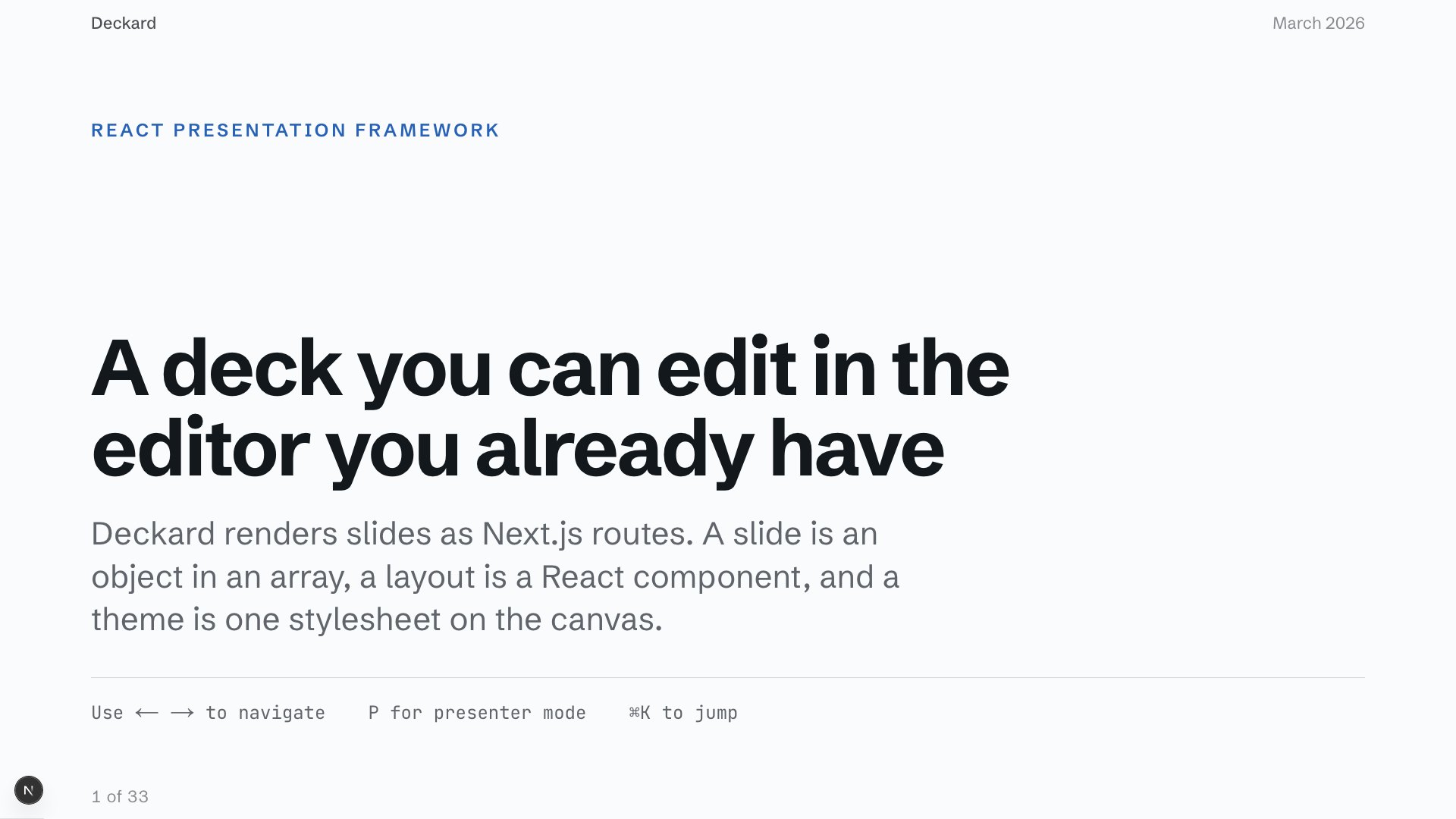
Opener

HeroSlide

Use this when one title and one line need the whole room.

Show composition
<HeroSlide eyebrow="Engineering all-hands" title="What we shipped" />
Open in the playground
Section break slide preview

Start and divide

Whole slide

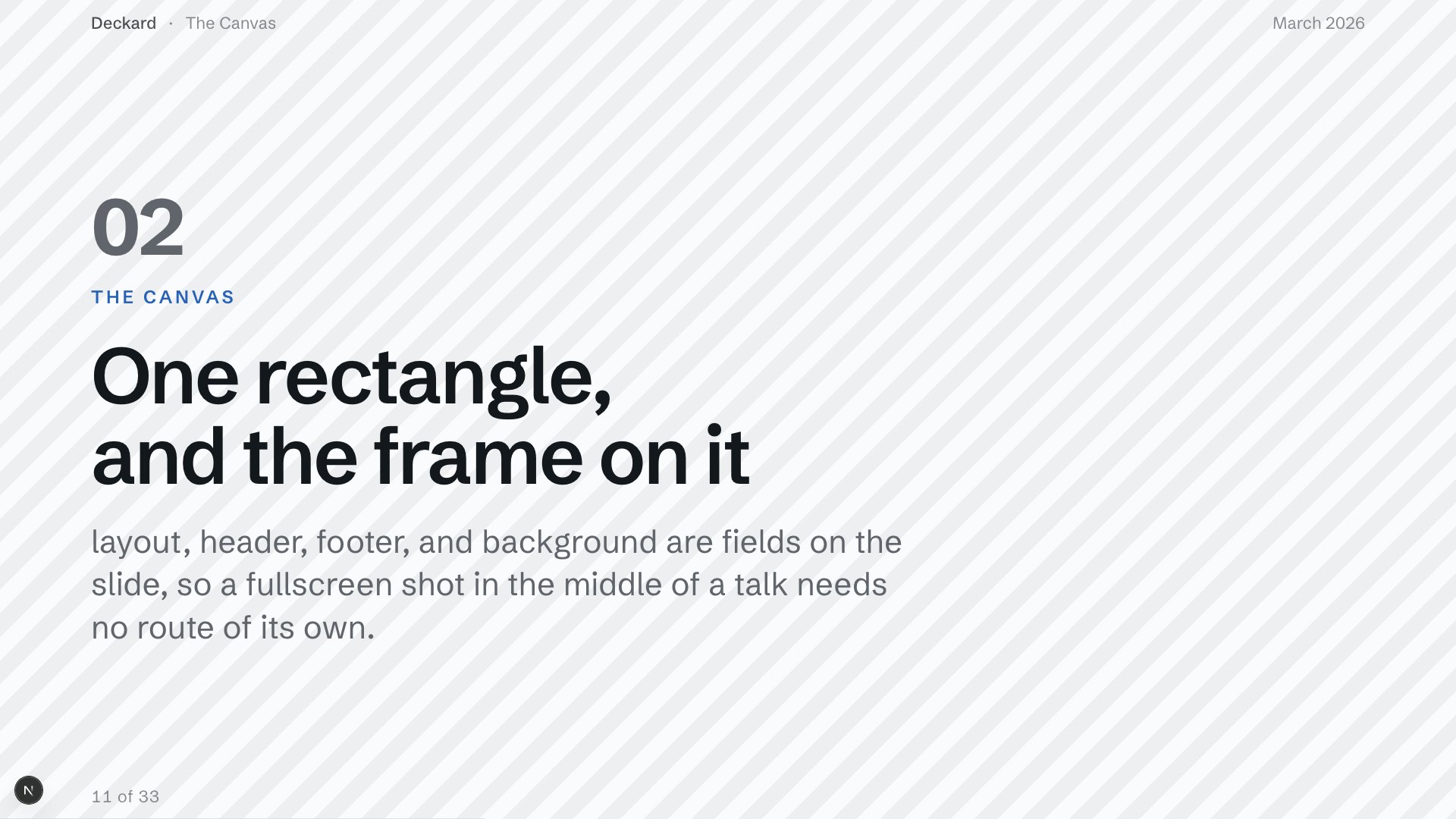
Section break

BreakerSlide

Use this to reset the room before the next part of the argument.

Show composition
<BreakerSlide eyebrow="The trade" title="What it cost" description={summary} />
Open in the playground
Numbered argument slide preview

Explain and emphasise

Slide recipe

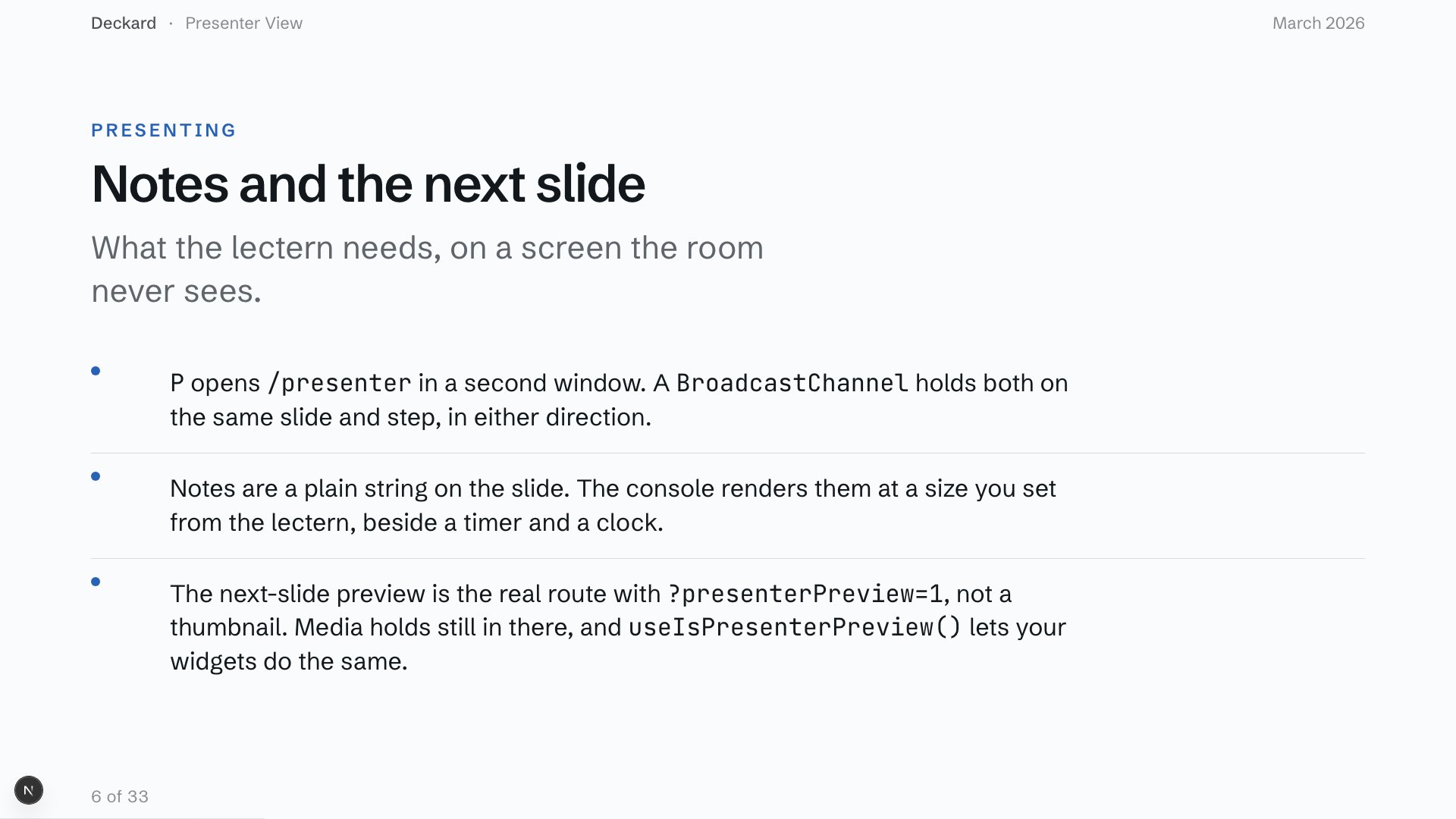
Numbered argument

OpenContentSlide + BulletList

Use this when the order matters and each point earns a full sentence.

Show composition
<OpenContentSlide title="How we got there"><BulletList items={points} /></OpenContentSlide>
Open in the playground
Key figures slide preview

Show data and activity

Slide recipe

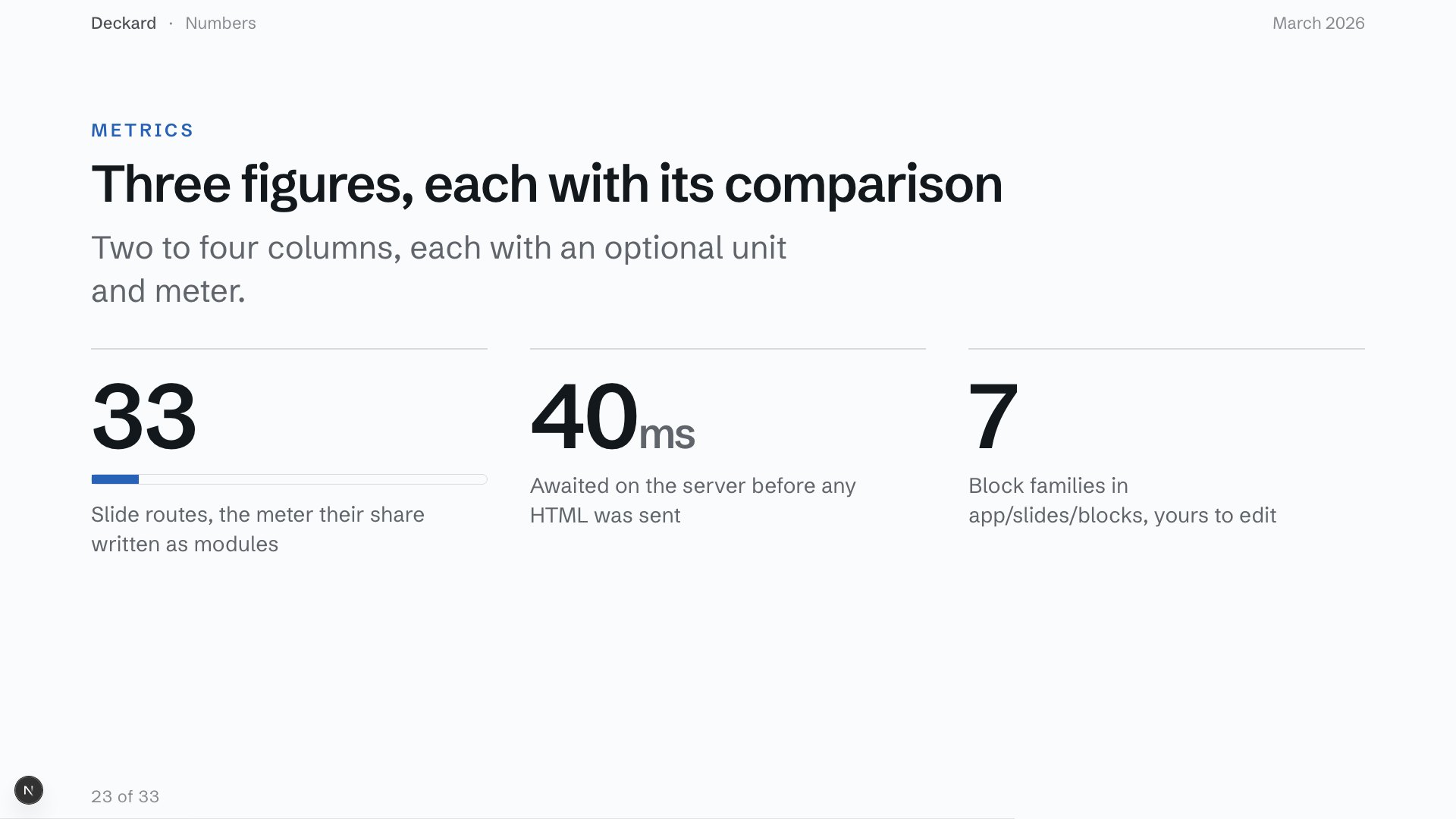
Key figures

OpenContentSlide + StatGrid

Use this when a small set of numbers carries the argument.

Show composition
<OpenContentSlide title="The numbers"><StatGrid items={figures} /></OpenContentSlide>
Open in the playground
Framed explanation slide preview

Explain and emphasise

Whole slide

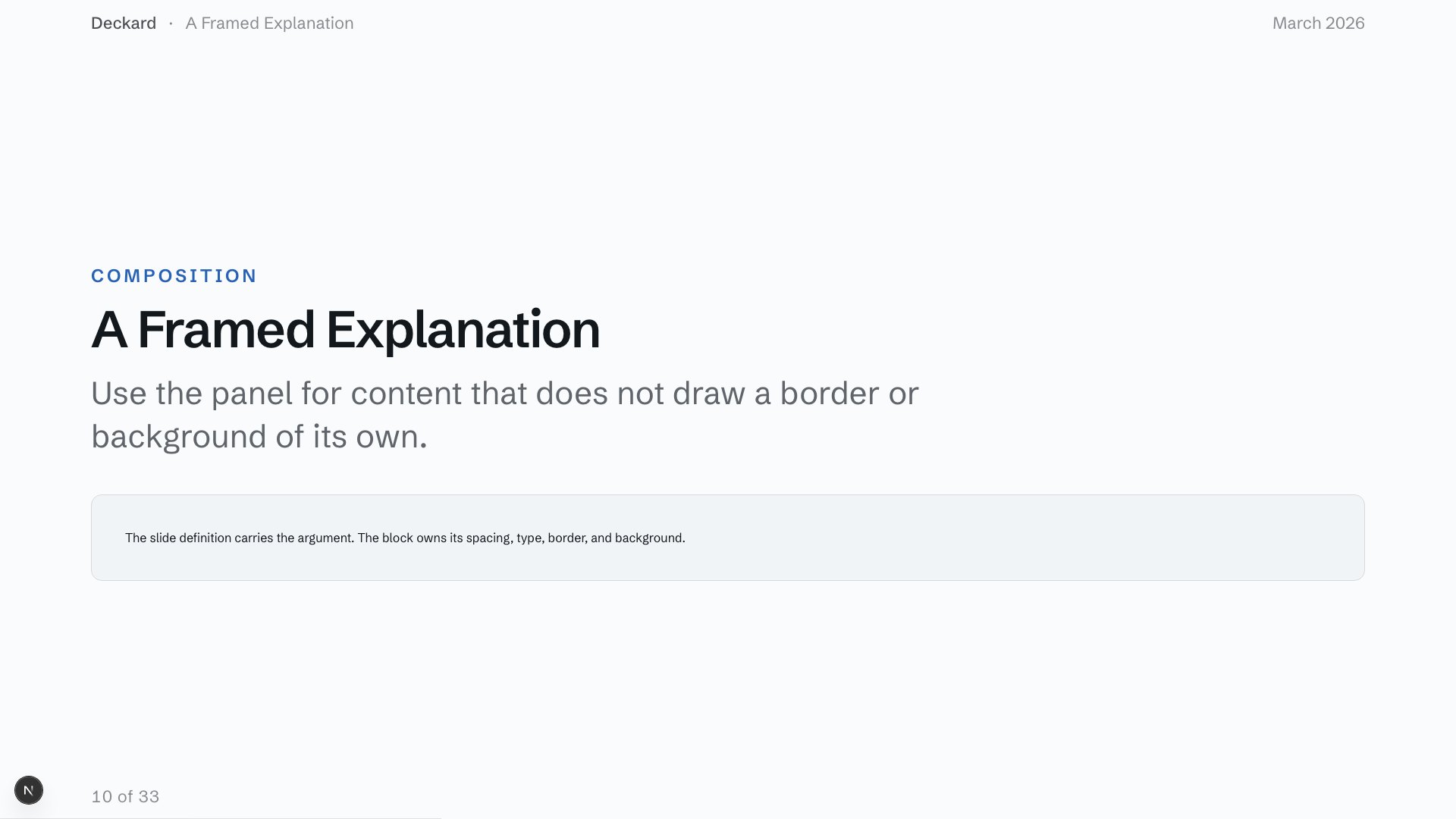
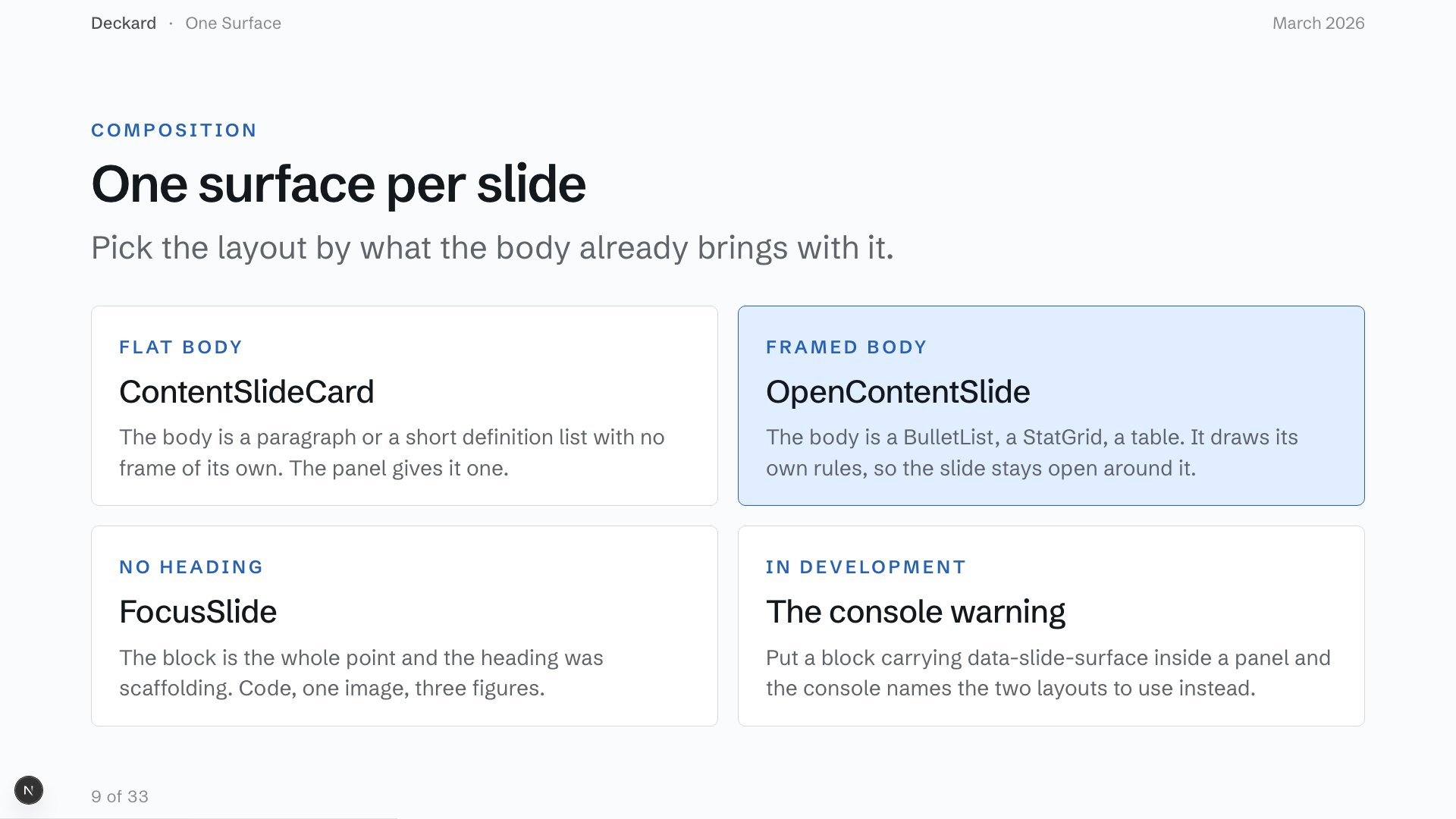
Framed explanation

ContentSlideCard

Use this for flat prose or a definition that needs one clear frame.

Show composition
<ContentSlideCard title="The decision"><p>{explanation}</p></ContentSlideCard>
Open in the playground
Option comparison slide preview

Compare and organise

Slide recipe

Option comparison

OpenContentSlide + CardGrid

Use this when each alternative needs a name and a short explanation.

Show composition
<OpenContentSlide title="Three ways forward"><CardGrid items={options} /></OpenContentSlide>
Open in the playground
Roadmap slide preview

Compare and organise

Slide recipe

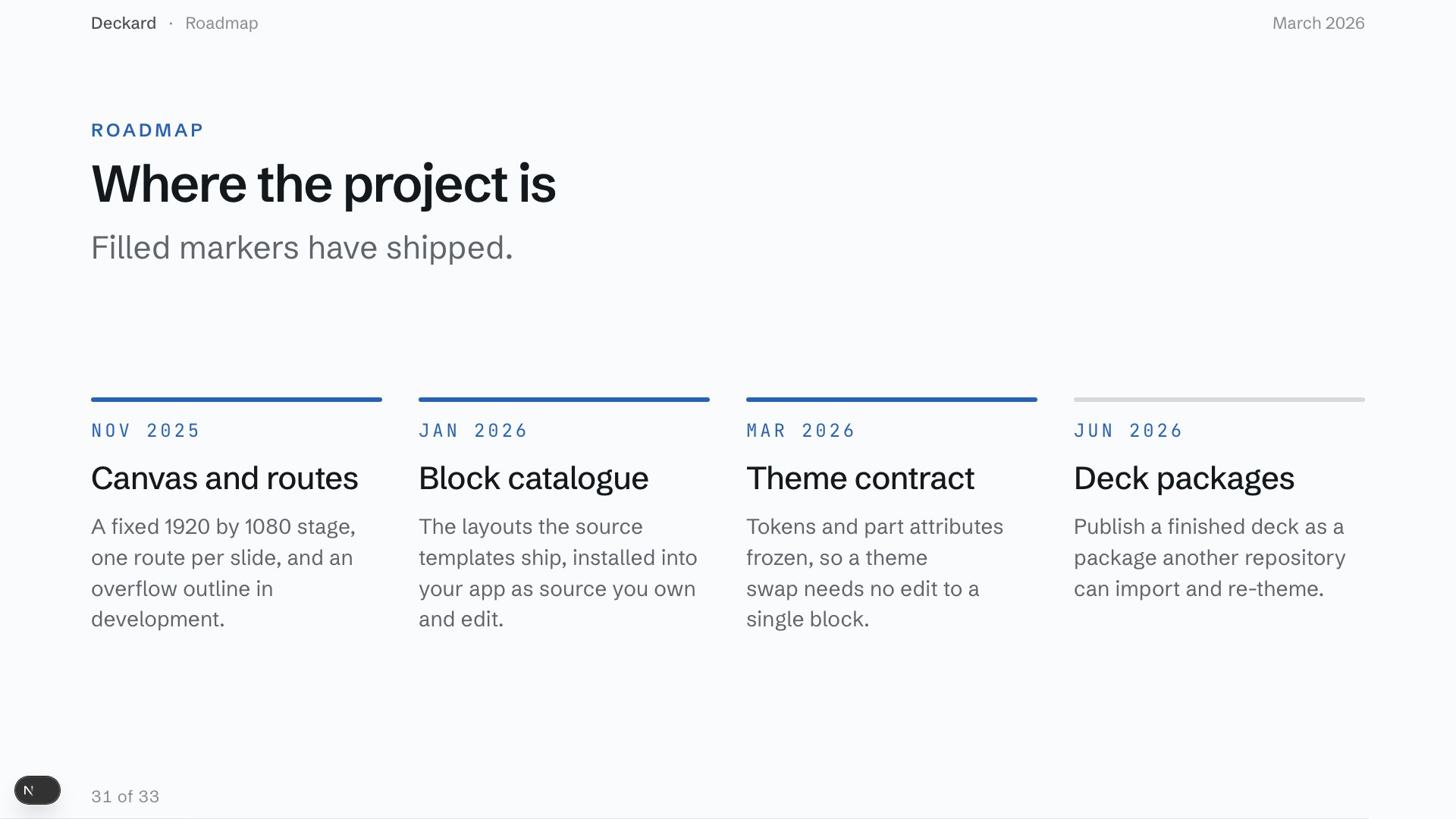
Roadmap

OpenContentSlide + Timeline

Use this when dates and sequence matter more than exact duration.

Show composition
<OpenContentSlide title="The next release"><Timeline items={milestones} /></OpenContentSlide>
Open in the playground
Pull quote slide preview

Explain and emphasise

Whole slide

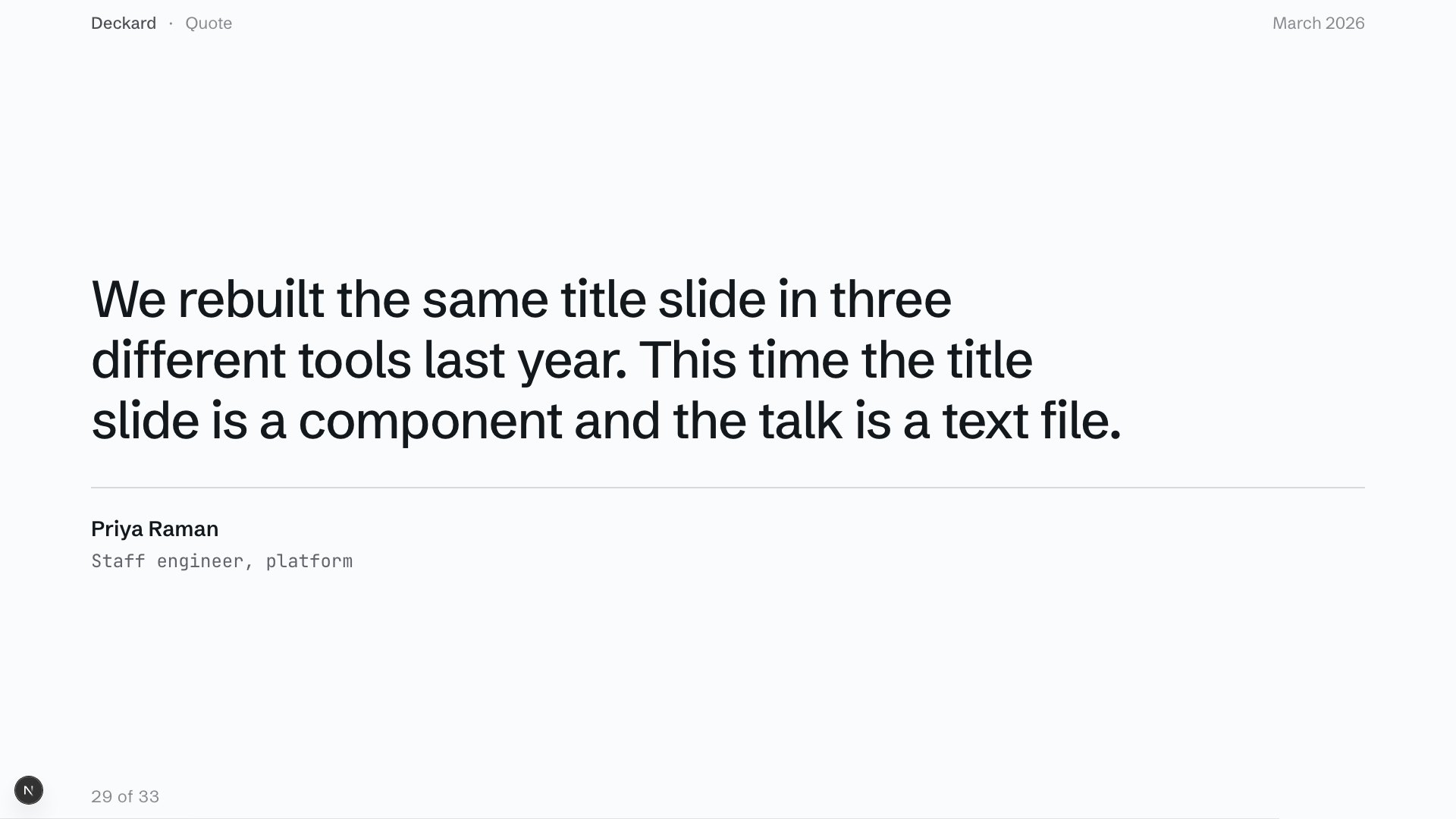
Pull quote

QuoteSlide

Use this when someone else's sentence is the evidence.

Show composition
<QuoteSlide attribution="Maya Chen" quote={quote} />
Open in the playground
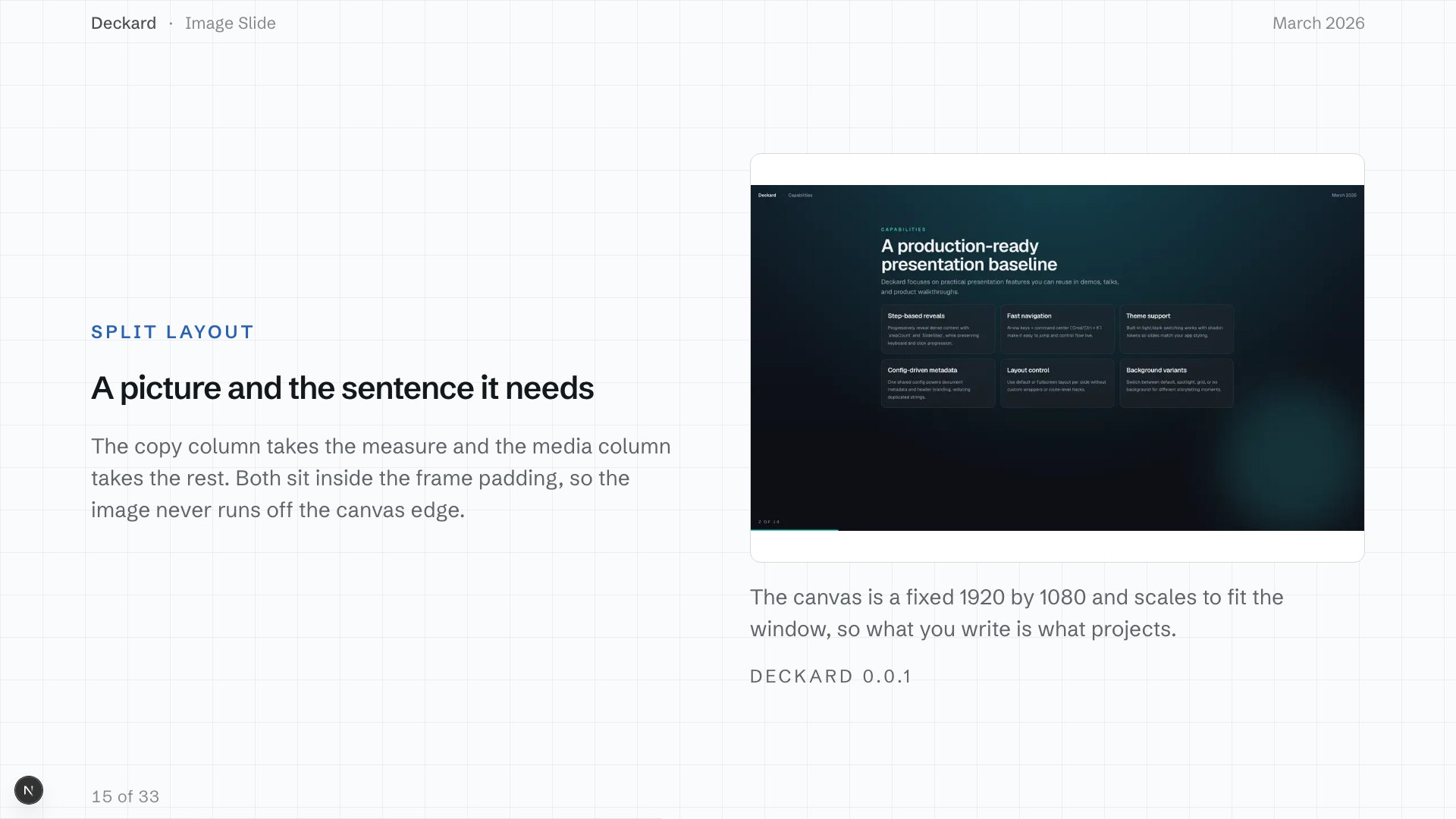
Image and explanation slide preview

Show media

Whole slide

Image and explanation

ImageShowcaseSlide

Use this when the image needs context beside it rather than text on top.

Show composition
<ImageShowcaseSlide image={image}><SlideHeading title="Field notes" /></ImageShowcaseSlide>
Open in the playground

Representative recipes

Pattern Level Use it for Example
HeroSlide Whole slide Open with the talk’s title and premise. Opener
BreakerSlide Whole slide Mark a section change. Section break
OpenContentSlide with BulletList Slide recipe Explain a short set of points. Bullets
OpenContentSlide with StatGrid Slide recipe Report a small set of figures. Figures
ContentSlideCard Whole slide Put flat prose or custom markup in one panel. Content card
OpenContentSlide with CardGrid Slide recipe Compare options or grouped ideas. Cards
OpenContentSlide with Timeline Slide recipe Show a sequence or plan. Timeline
QuoteSlide Whole slide Give one quotation the canvas. Quotation
ImageShowcaseSlide Whole slide Pair one image with its context. Image

Choose the frame first

Use HeroSlide, BreakerSlide, StatementSlide, QuoteSlide, and ProseSlide as complete slides. They own the composition.

Use OpenContentSlide around a block that paints its own border or background, including BulletList, StatGrid, FeatureGrid, CardGrid, DataTable, Timeline, LogList, and RevealList.

Use ContentSlideCard for flat prose or custom markup with no frame of its own. Use FocusSlide when one block is the slide and a heading would repeat what the block already says.

import { OpenContentSlide, StatGrid } from "@/app/slides/blocks"

const figures = [
  { value: "6.2s", caption: "Median build time" },
  { value: "0", unit: "%", caption: "Slides fixed after export" },
] as const

<OpenContentSlide eyebrow="Quarter in review" title="The numbers that moved">
  <StatGrid items={figures} />
</OpenContentSlide>

Find a pattern by intent

You need to Start with
Open the talk HeroSlide, HeroSplitSlide, or HeroCenteredSlide
Show the talk’s structure OpenContentSlide with ContentsList
Introduce a section BreakerSlide or MinimalBreakerSlide
Land one claim StatementSlide
Explain one code sample CodeSplitSlide
Give one custom block the frame FocusSlide
Present a longer passage ProseSlide
Explain ordered points OpenContentSlide with BulletList
Reveal an argument OpenContentSlide with RevealList
Compare options OpenContentSlide with ColumnGrid, FeatureGrid, or CardGrid
Report figures OpenContentSlide with StatGrid or DataTable
Show a plan OpenContentSlide with Timeline
Show an image ImageShowcaseSlide, MediaPair, MediaGallery, or FullscreenMediaSlide
Quote someone QuoteSlide

The blocks and registry guide documents installation, composition rules, and the individual source files.

Was this page helpful?