A presentation framework for Next.js
Slides are React components
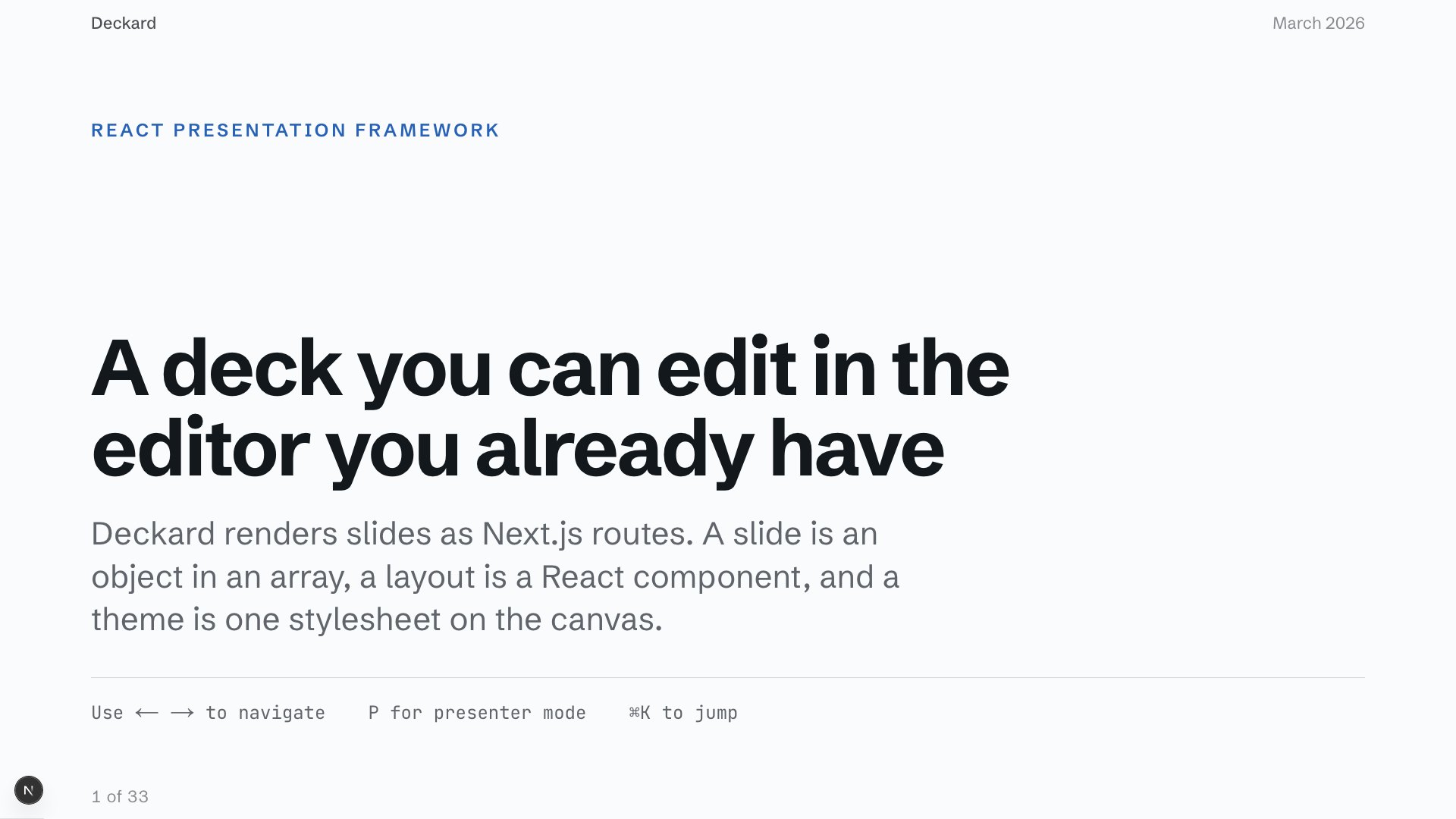
Write the deck in TypeScript with the components you already have. Present it from the browser, export the PDF, and hand the same source to your coding agent.
npx @thebuilder/deckard-cli init my-talkSet up a new Deckard presentation in ./my-talk with npx @thebuilder/deckard-cli initWrites a Next.js app with a sample deck in it, installs it, and makes the first commit. Deckard is in preview: the API can still move before 1.0.
Paste it into Claude Code, Cursor, or Codex. The agent runs the scaffold and picks up the deck from there.

Click the slide, then ← → to move through the deck and ⌘K to jump. Move the pointer over it for the controls.
Author
Write slides in React
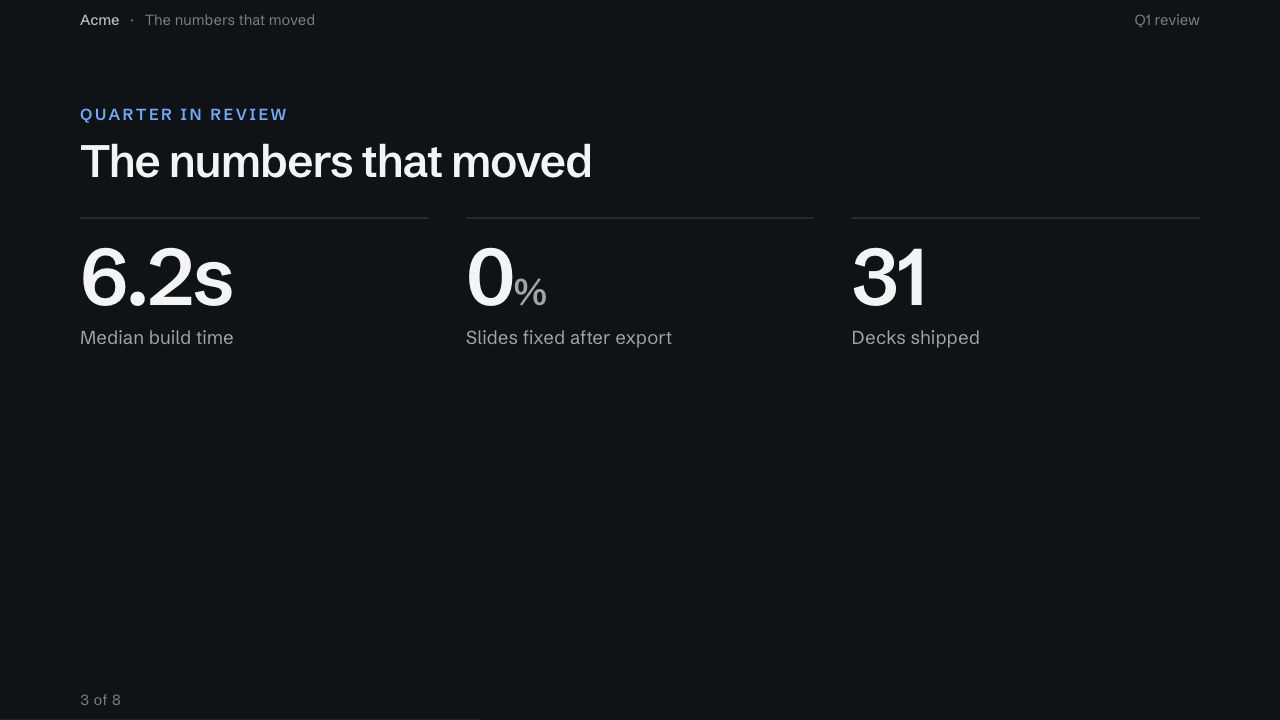
A deck is an array of slides in deck/slides.tsx. Each one is a React element: a layout Deckard ships, a chart you built, a running demo, or data a Server Component loaded. This is the deck above.
import type { SlideDefinition } from "@thebuilder/deckard-core"
import {
  BreakerSlide,
  CardGrid,
  HeroSlide,
  OpenContentSlide,
  StatGrid,
} from "@/app/slides/blocks"

export const slides: SlideDefinition[] = [
  {
    slug: "opening",
    title: "What we shipped in Q1",
    background: "hero",
    notes: "Name the outcome. Leave the how for later.",
    body: (
      <HeroSlide
        eyebrow="Engineering all-hands"
        description="The quarter got faster, quieter, and easier to review."
      />
    ),
  },
  {
    slug: "figures",
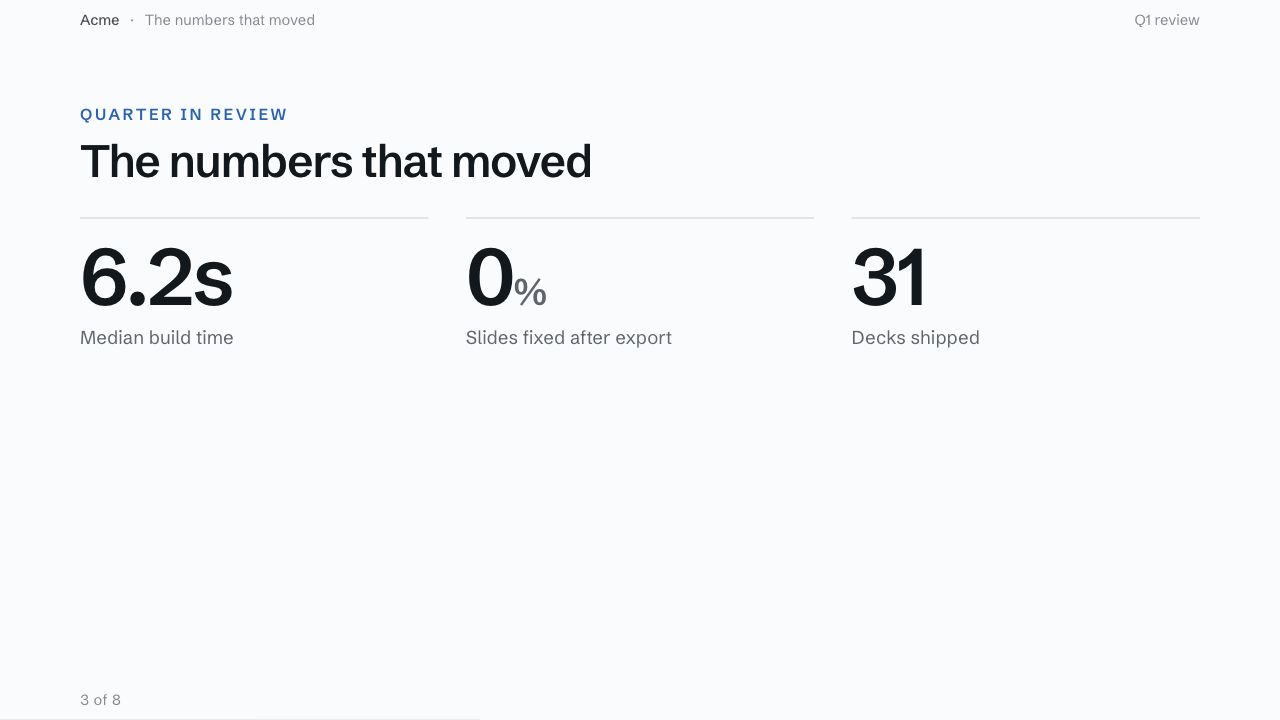
    title: "The numbers that moved",
    body: (
      <OpenContentSlide eyebrow="Quarter in review">
        <StatGrid items={figures} />
      </OpenContentSlide>
    ),
  },
  {
    slug: "decision",
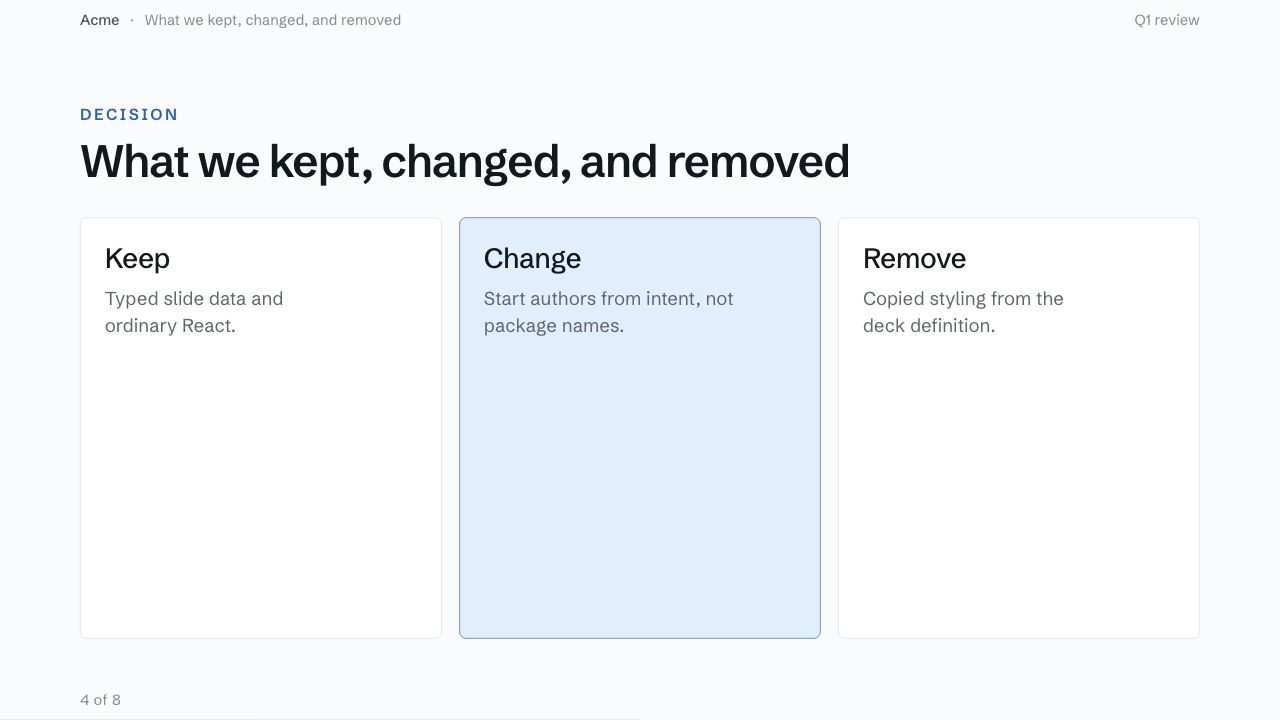
    title: "What we kept, changed, and removed",
    body: (
      <OpenContentSlide eyebrow="Decision">
        <CardGrid columns={3} items={decisions} />
      </OpenContentSlide>
    ),
  },
  {
    slug: "close",
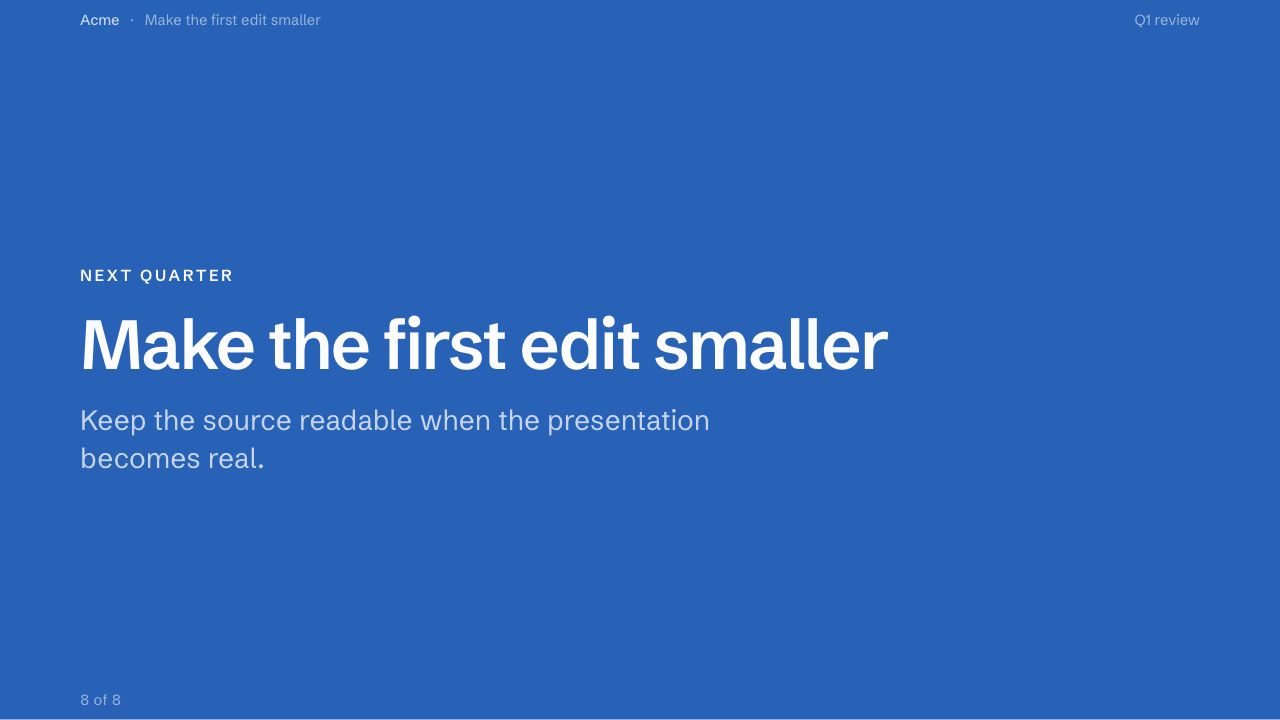
    title: "Make the first edit smaller",
    background: "closing",
    body: <BreakerSlide eyebrow="Next quarter" description={nextStep} />,
  },
]
A hero layout. The title comes from the slide, the notes stay off the canvas.
A stat grid inside an open frame. The figures are plain data.
The same frame with a card grid in it instead.
A breaker on the theme's closing background.
Compose
Start from a slide pattern
Pick by what the slide has to do. Every block installs into your app as source, so the markup is yours to change.
 Opener
HeroSlideOne title and one line that need the whole room.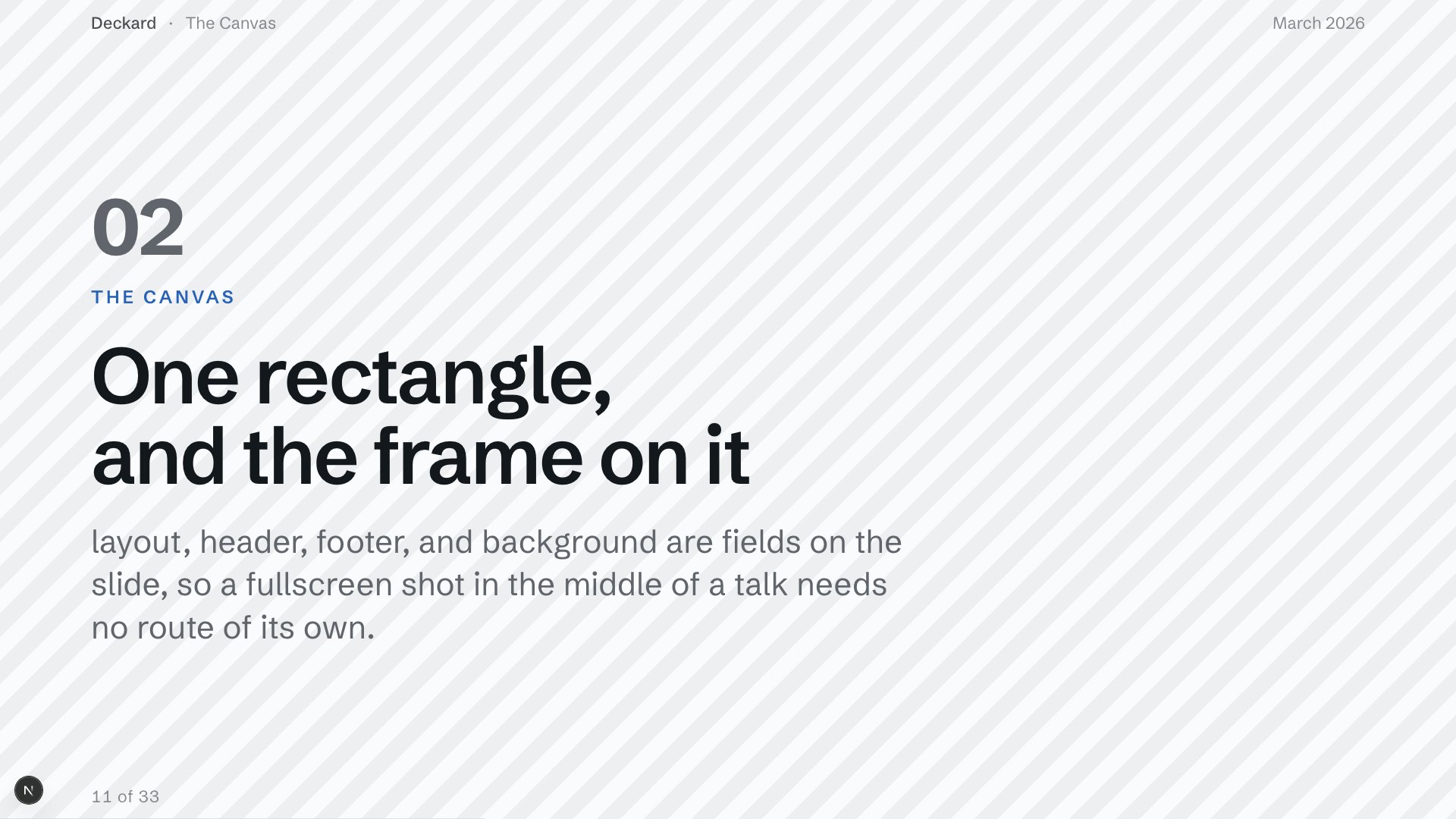 Section break
BreakerSlideReset the room before the next part of the argument.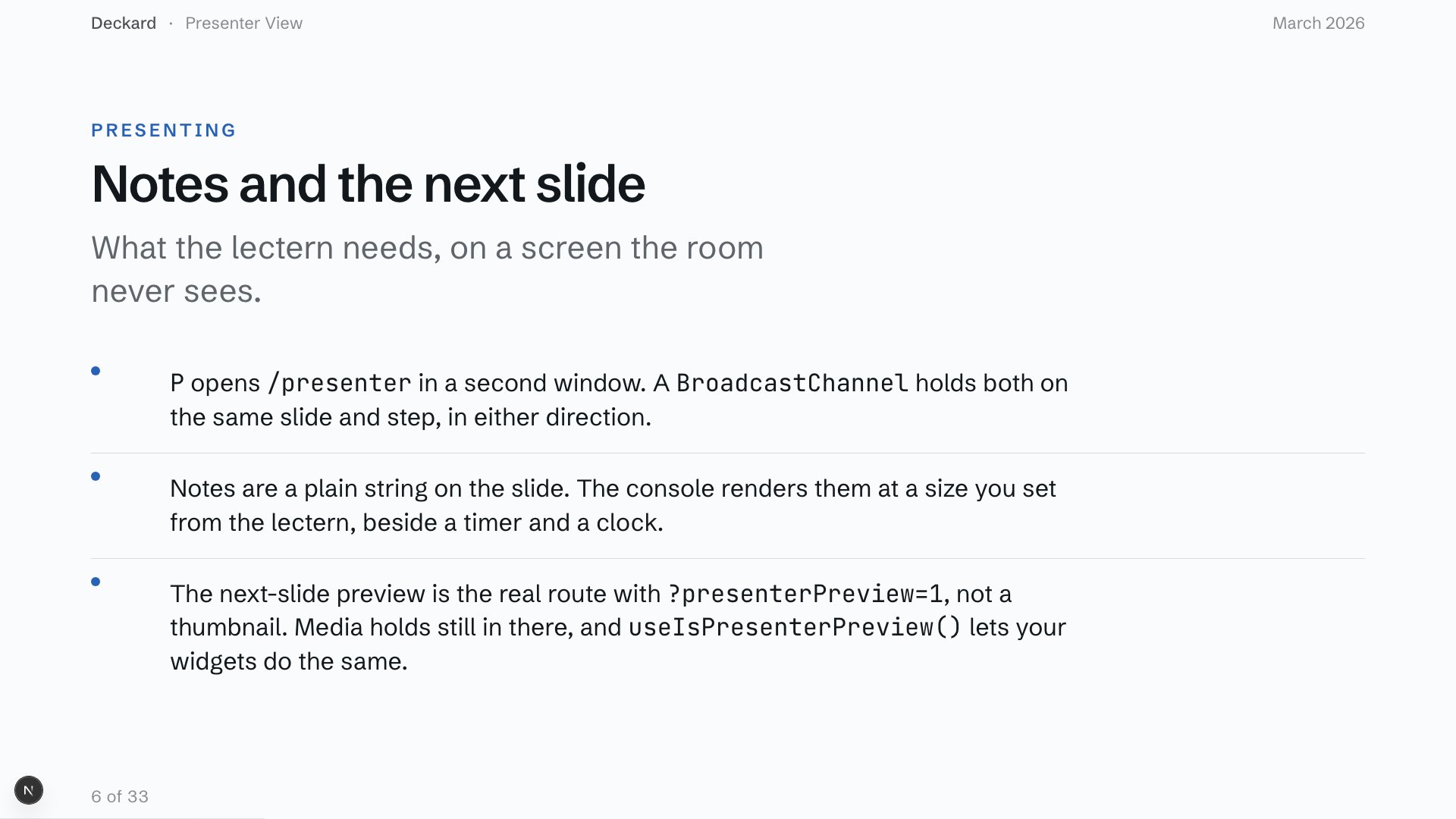 Numbered argument
OpenContentSlide + BulletListOrdered points, each worth a full sentence.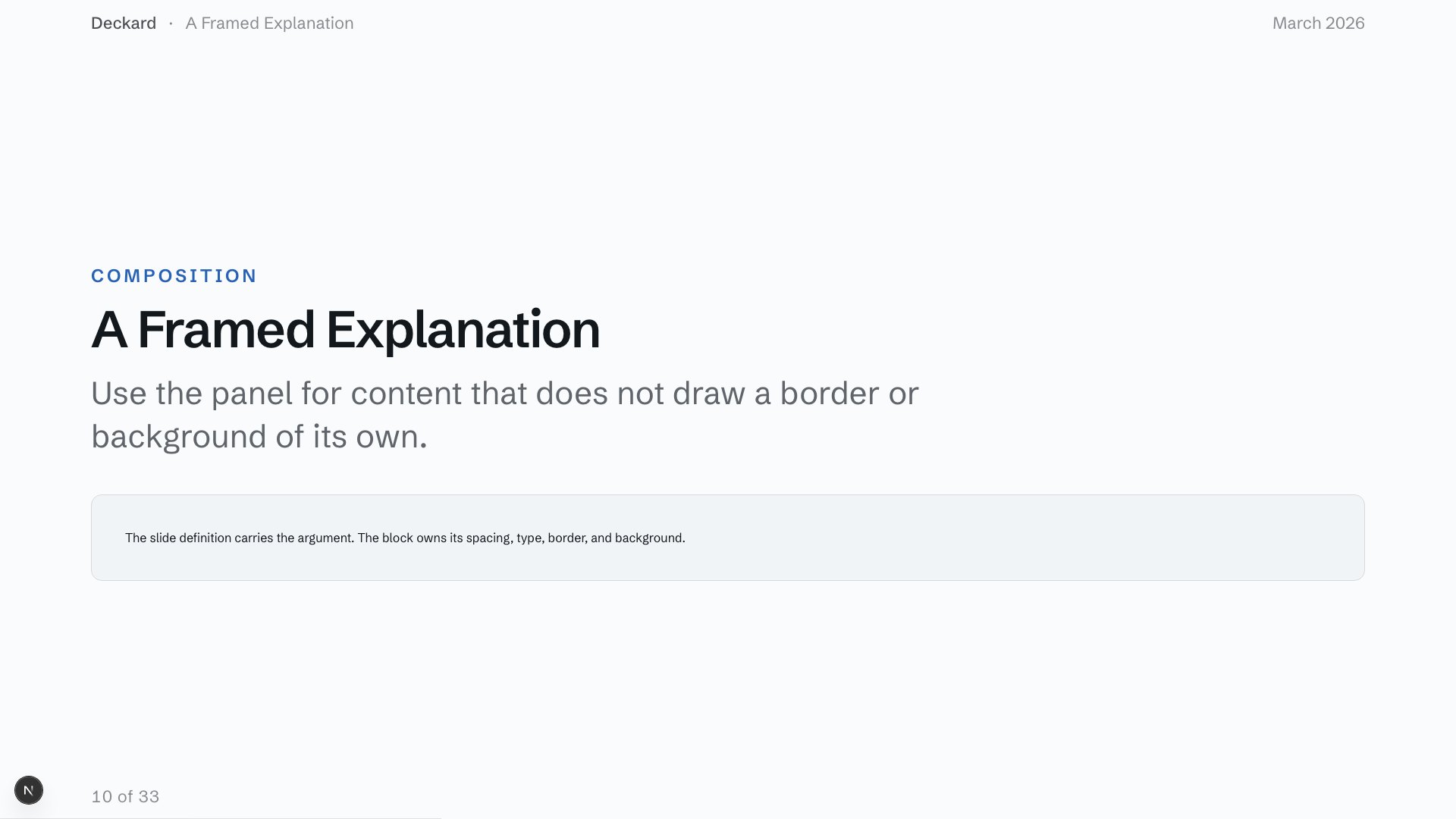 Framed explanation
ContentSlideCardFlat prose or a definition in one clear frame.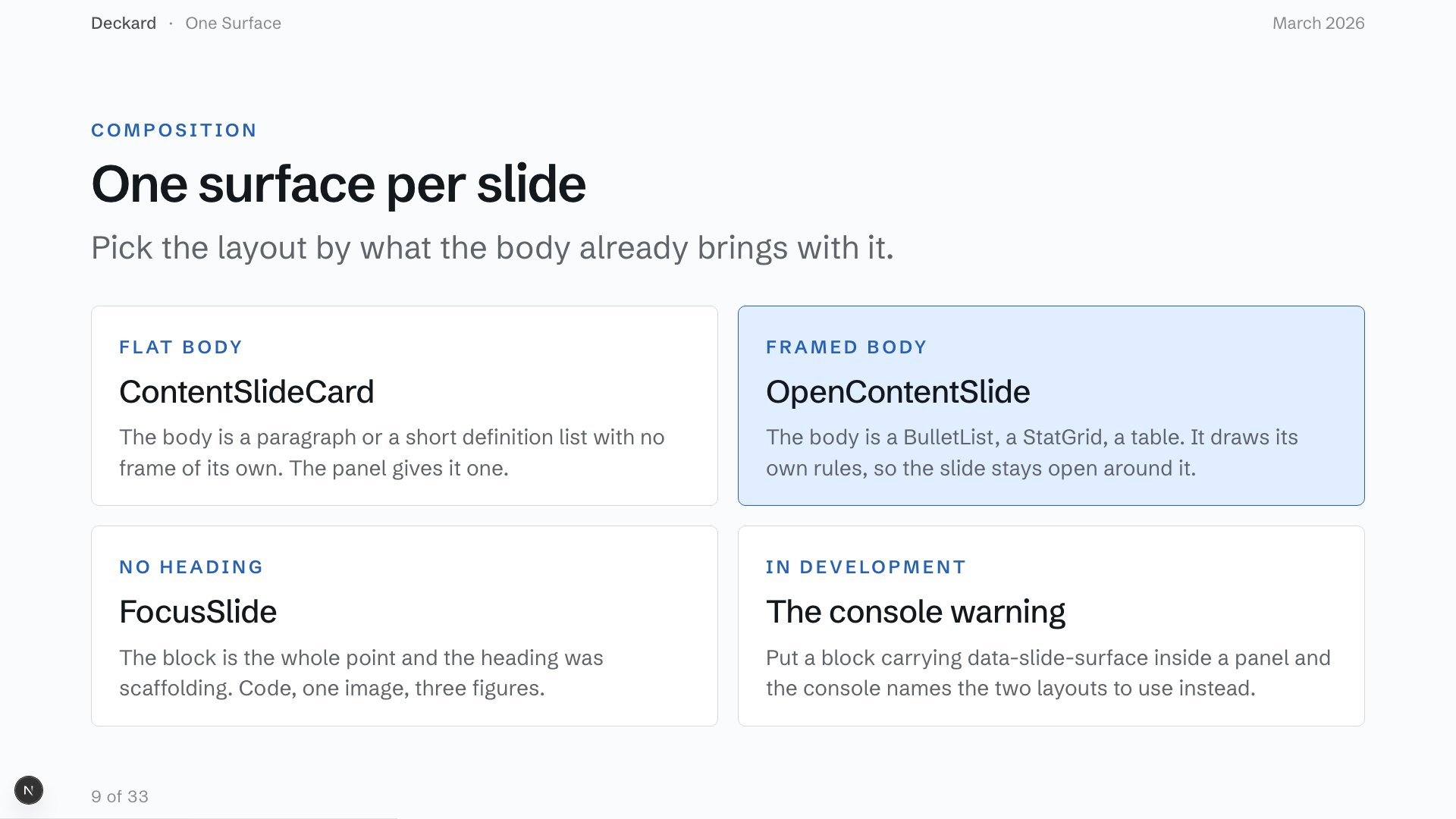 Option comparison
OpenContentSlide + CardGridAlternatives, each with a name and a short explanation.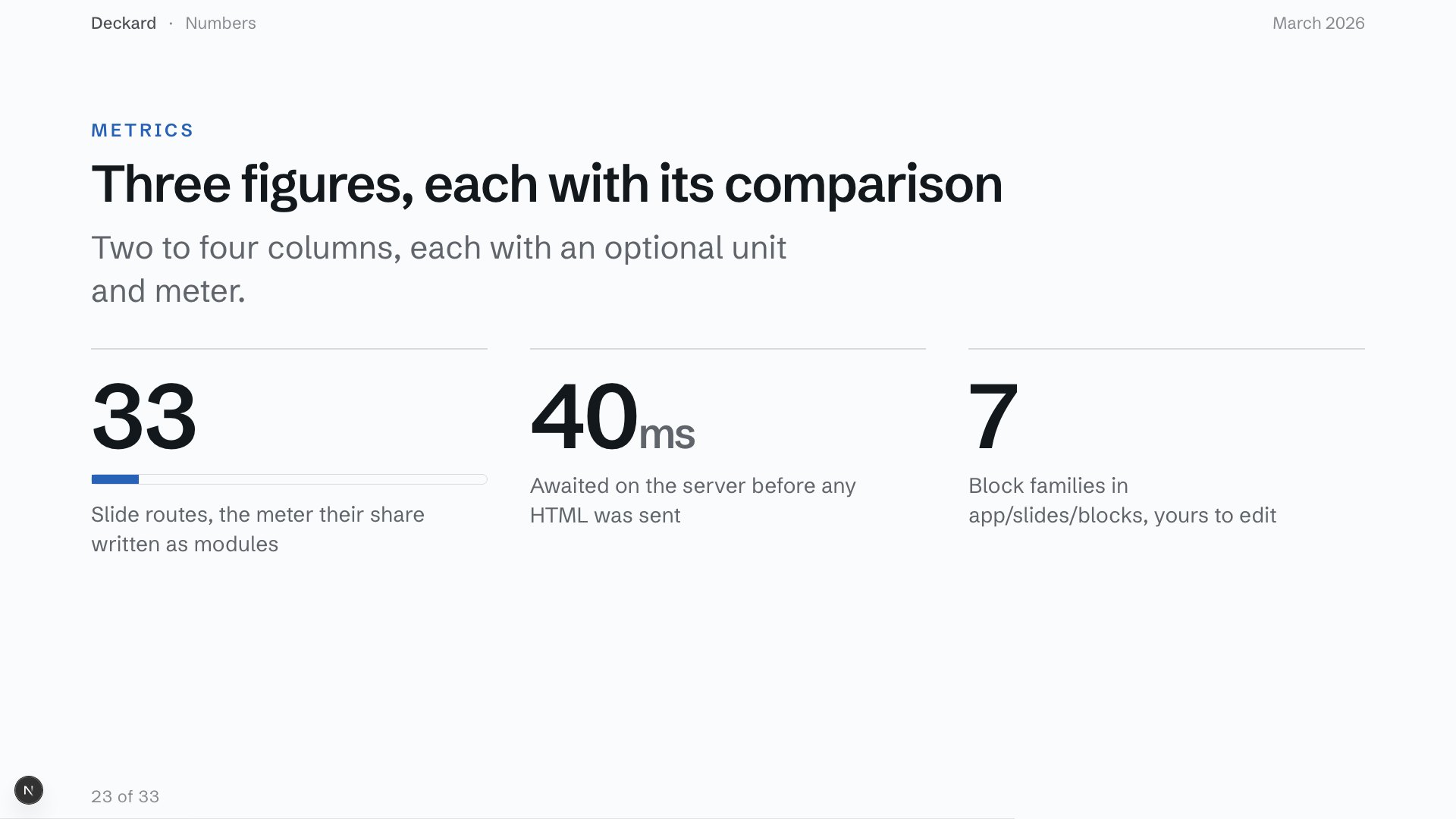 Key figures
OpenContentSlide + StatGridA small set of numbers that carries the argument.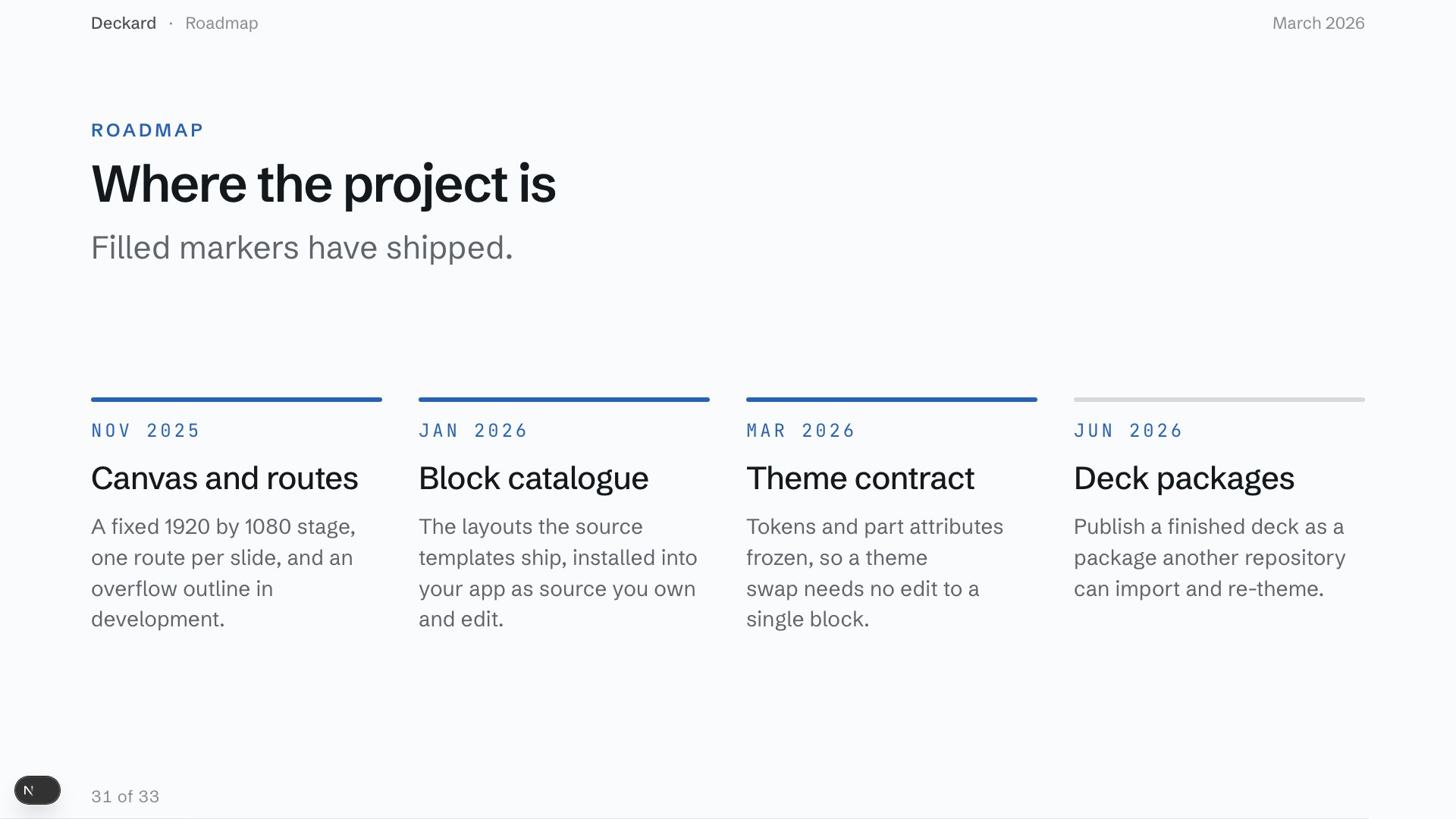 Roadmap
OpenContentSlide + TimelineDates and sequence, when order matters more than duration.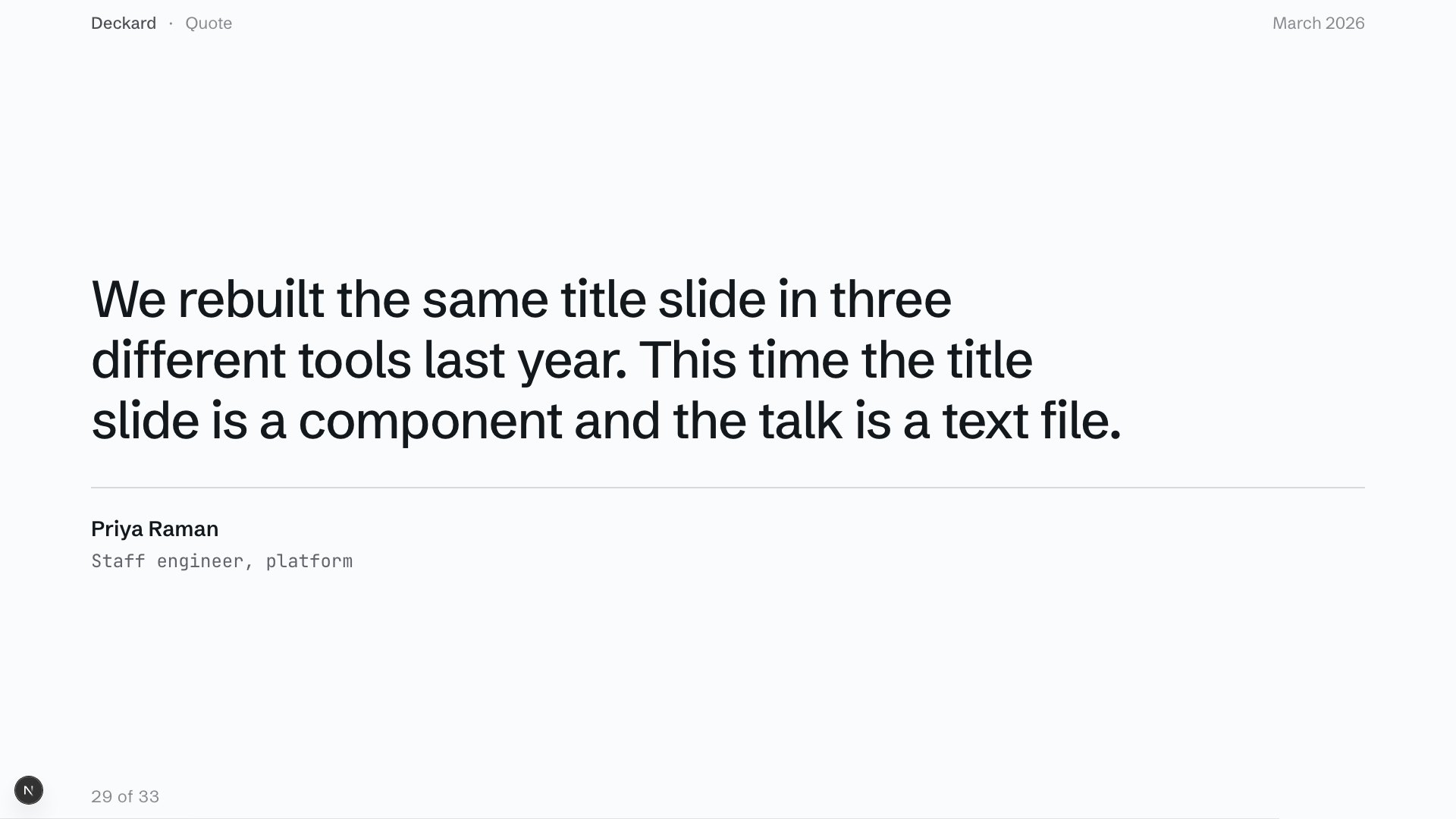 Pull quote
QuoteSlideSomeone else's sentence is the evidence.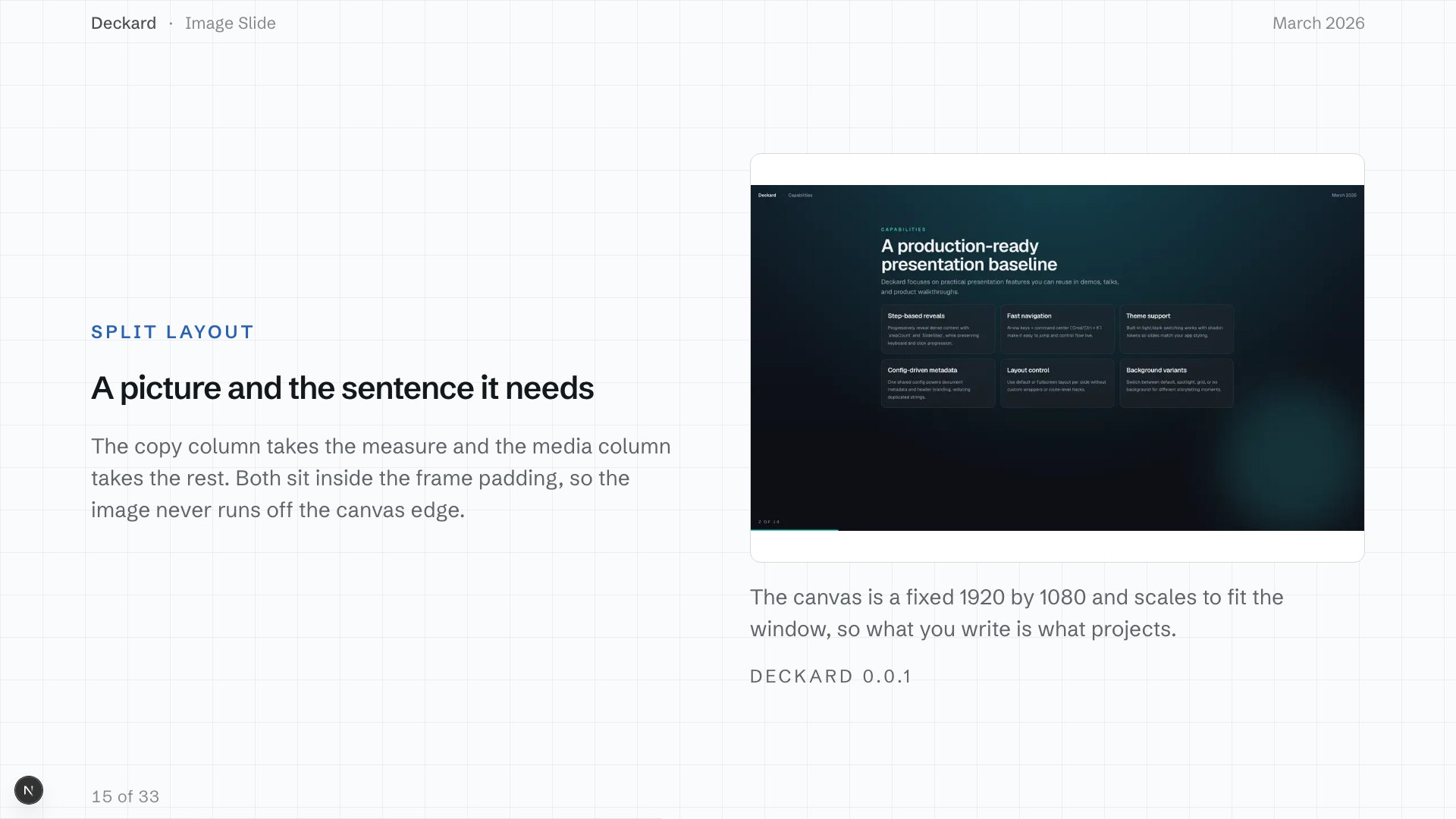 Image and context
ImageShowcaseSlideAn image that needs context beside it, not text on top.
The pattern guide maps every job to its blocks. Each picture opens that slide in the feature deck.
Style
Change the whole look with one import
A theme is one stylesheet on the canvas: type, spacing, surfaces, and backgrounds, in light and dark. Pick one to see it on the deck at the top of the page. Eject it when you want to edit the CSS.
- meridianThe quietest one. Flat surfaces, no shadow in either mode.
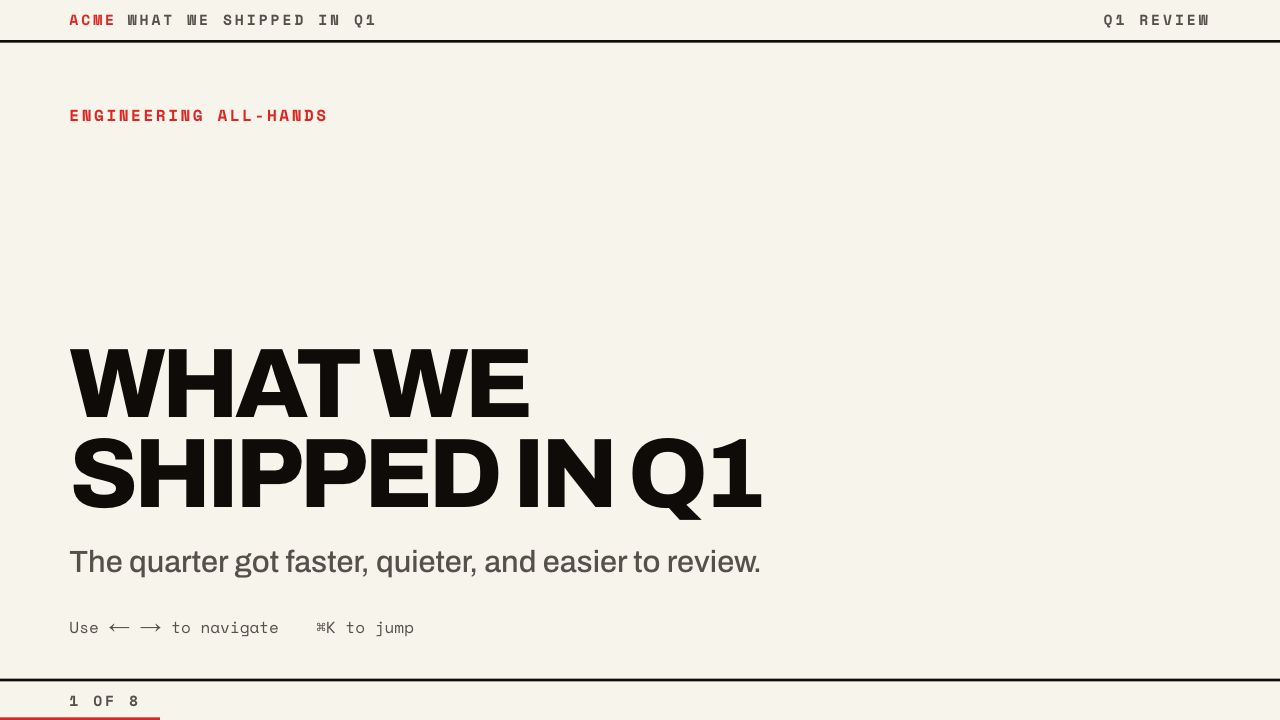 atelierA print poster. Hard rules, flat colour blocks, no radius.
- auroraA live field behind the opener, the breaks, and the close.
 blueprintA drafting sheet. A ruled field, boxed numerals, hairline gutters.
 cottonLarge radii, one soft shadow, and tints instead of lines.
 ledgerA bound report. Serif, sans, and mono, each with one job.
 nexusA flight console. Capitalised headings with an accent halo.
 noirA lookbook. Hairlines, centred layouts, and no mono face.
 phosphorA green CRT. Monospace everywhere, scanlines, a heading bloom.
 quorumA board pack. A tight scale, serif figures, no boxed cards.
The theme gallery has every slide of the example in each theme, and the palette each one reads.
Canvas
One canvas on every screen
Every slide is drawn on a fixed 1920x1080 canvas that scales to fit. Nothing inside it reflows, so the laptop, the projector, the phone, and the PDF show the same layout.
deckard export pdf prints that canvas through the same routes the deck runs on, one page per slide.
Present
Presenter mode in a second window
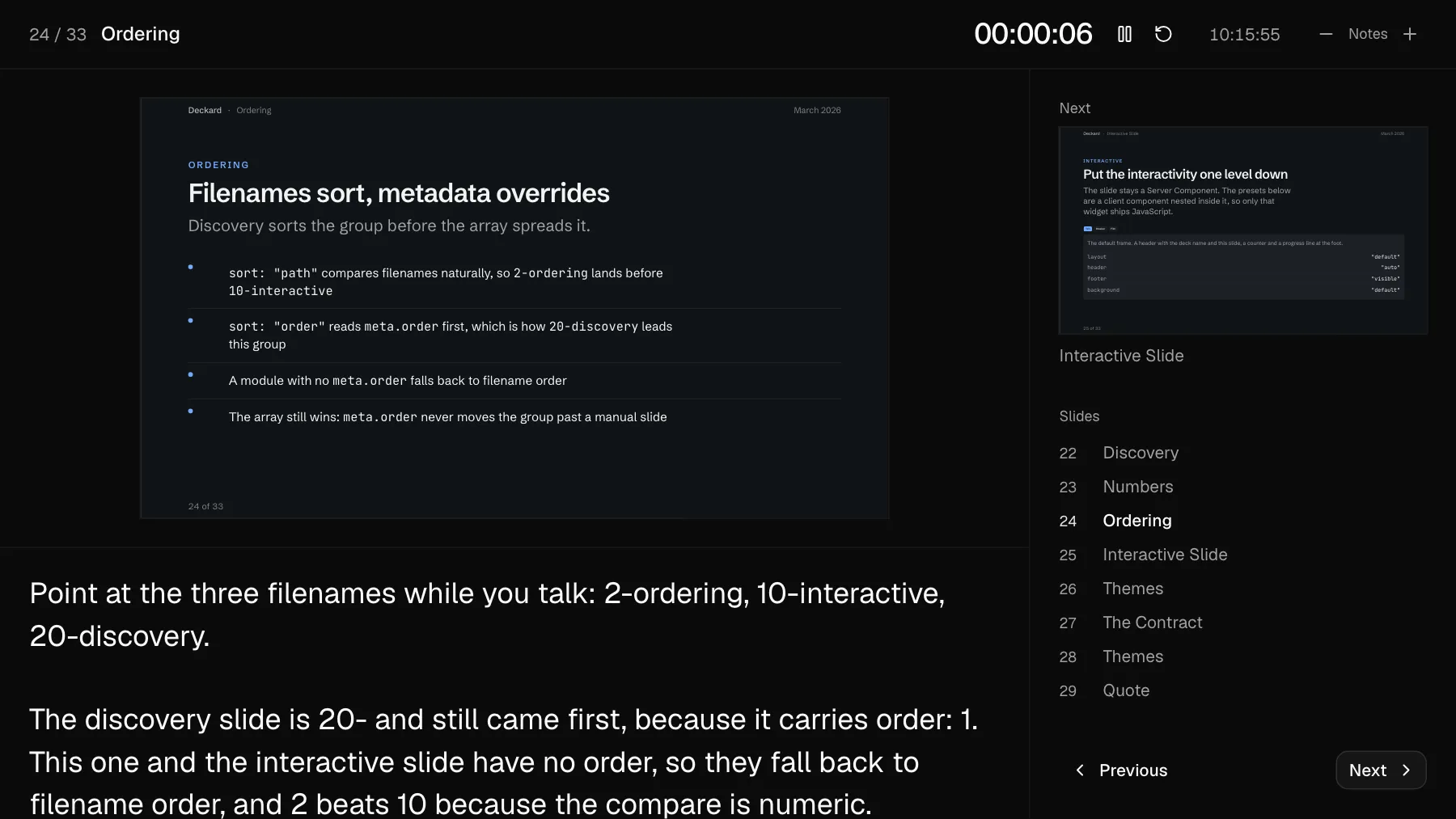
P opens your notes, a timer, the slide you are on, and the next step, in a window the room never sees. Arrow keys walk the reveal steps on a slide before they move to the next one.
Ship
Checks before the room sees it
A fixed canvas does not scroll, so content that does not fit is clipped. Find those slides, review the deck as one contact sheet, and write the PDF.
deckard check-overflow    # fails, naming the slides the canvas clips
deckard contact-sheet     # every slide in one grid image
deckard export pdf        # one page per slide
Automate
Hand the deck to an agent
A deck is a TypeScript array in a Next.js app, so an agent edits it the way it edits the rest of your code, and you review the change as a diff.
A skill
npx skills add thebuilder/deckard installs the slide-authoring skill: the blocks, when a slide earns its own file, the Server Component boundary, canvas sizing, and the token contract.
The docs in one file
/llms.txt indexes the site and /llms-full.txt carries every page, so the whole reference fits in a context window.
Checks it can run
deckard validate and check-overflow exit non-zero and name the slide. contact-sheet writes every slide into one image an agent can read back before you look.